Yellow
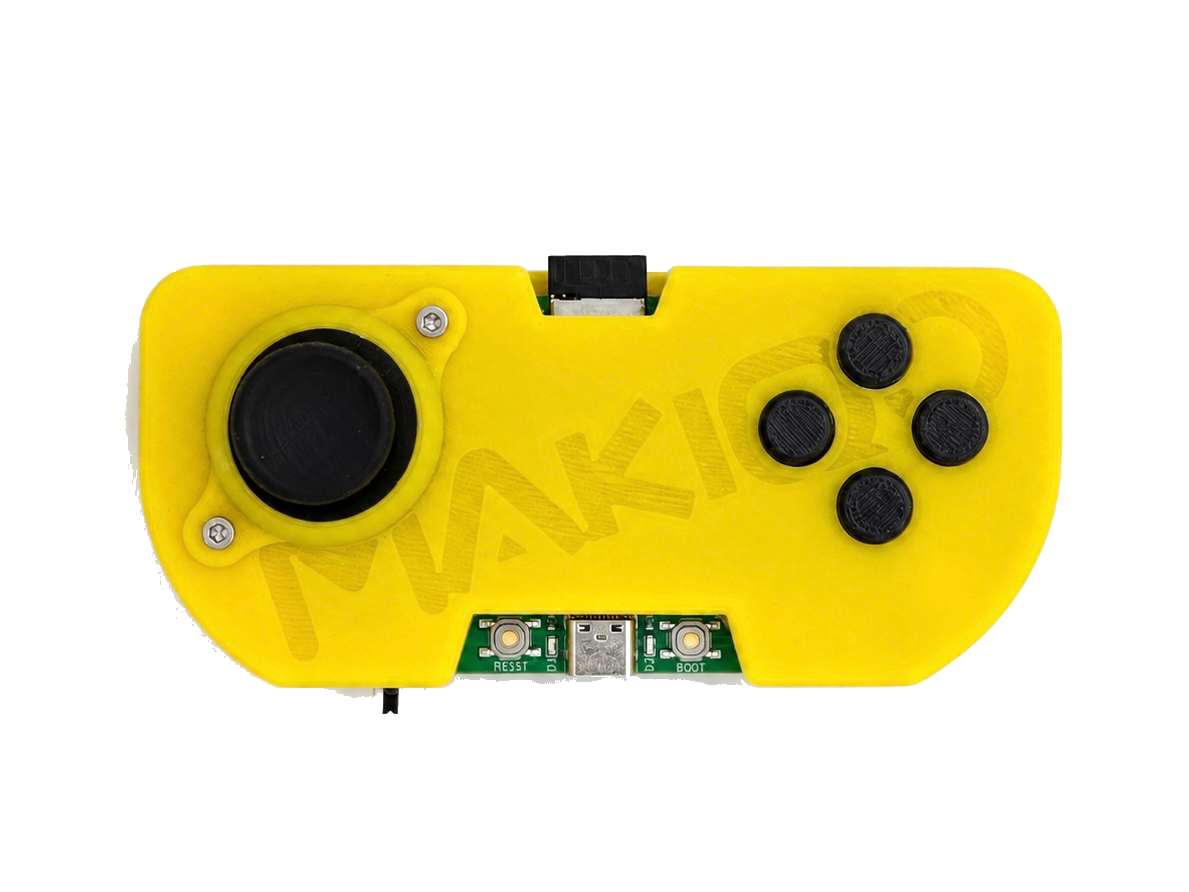
Sunburst + Remote Control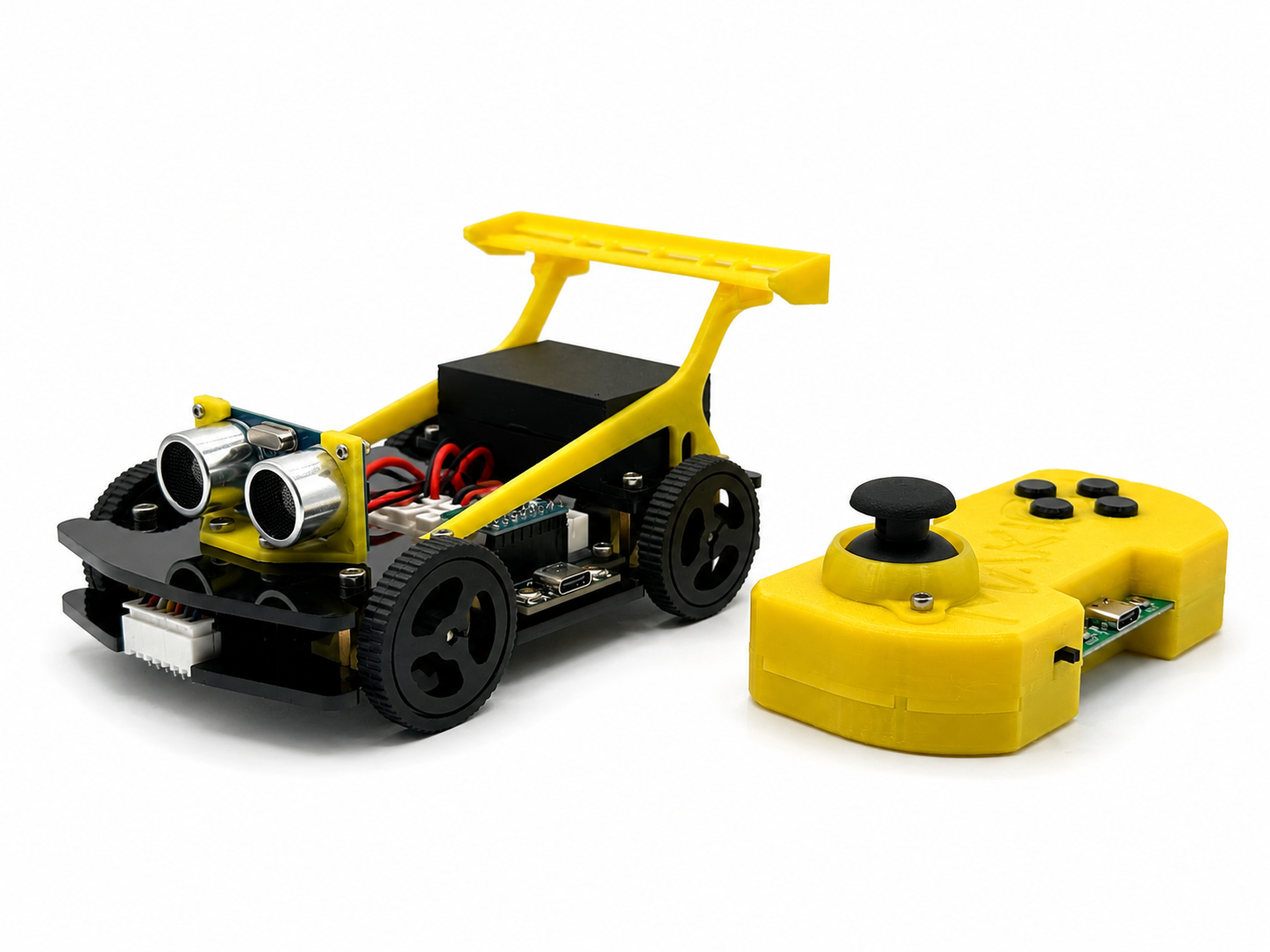
PROGRAMMABLE ROBOT CAR
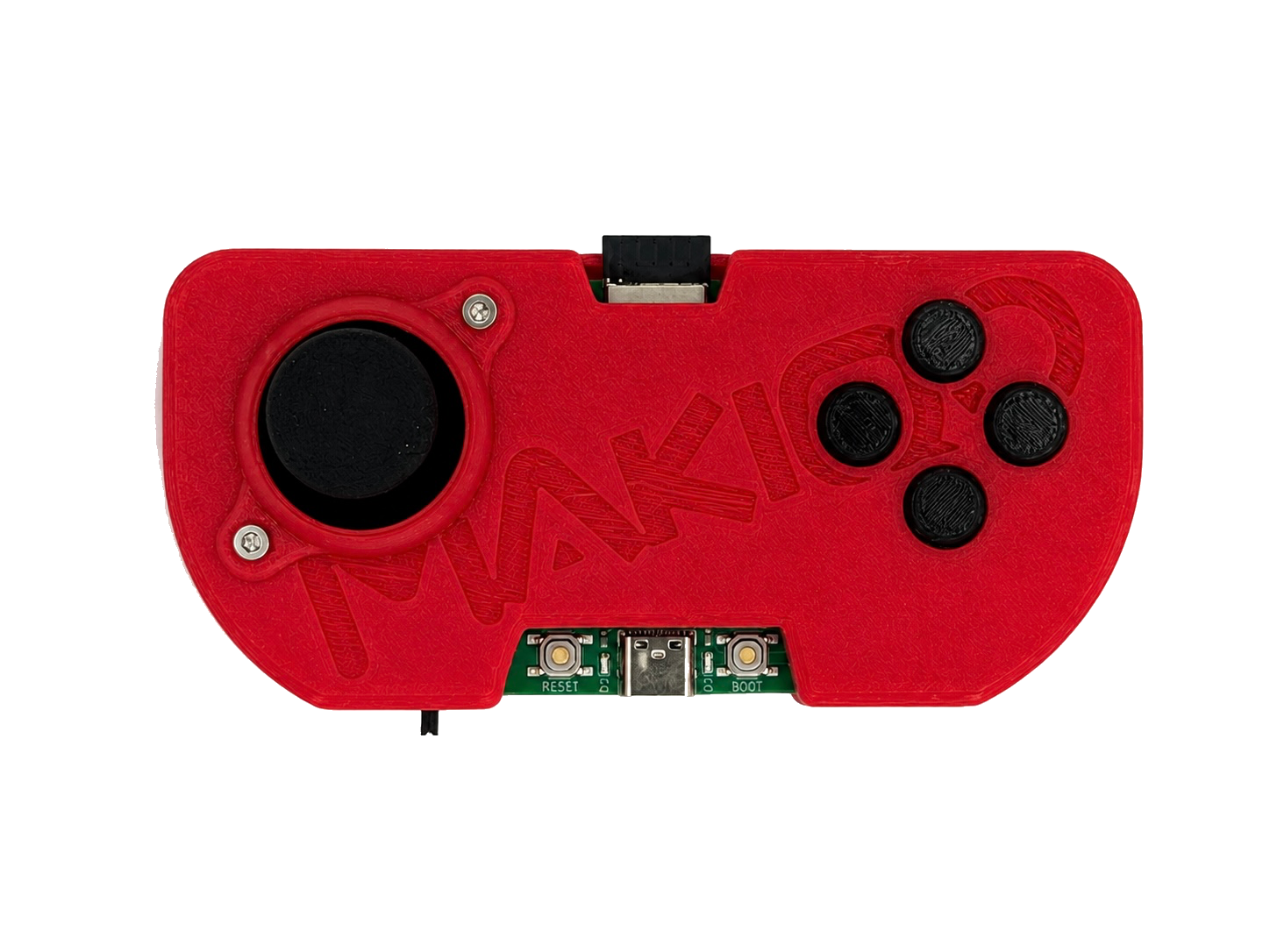
MAKIQO Robocar is a four-wheel robot kit with its own handheld controller. Both the Robocar and controller are programmable, with a mobile app, sensors, and guided coding lessons included.
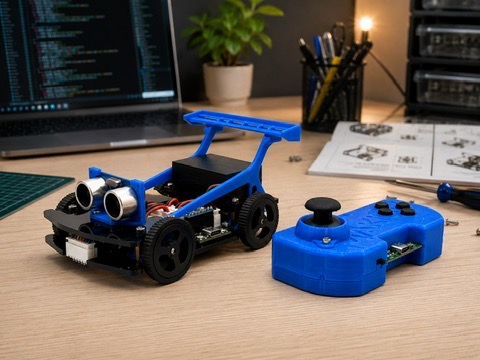
FIVE COLORS
See every color side by side. Each card starts with the full set, then you can flip through that color's car details with the arrows.
Yellow
Sunburst + Remote ControlRed
Redline + Remote Control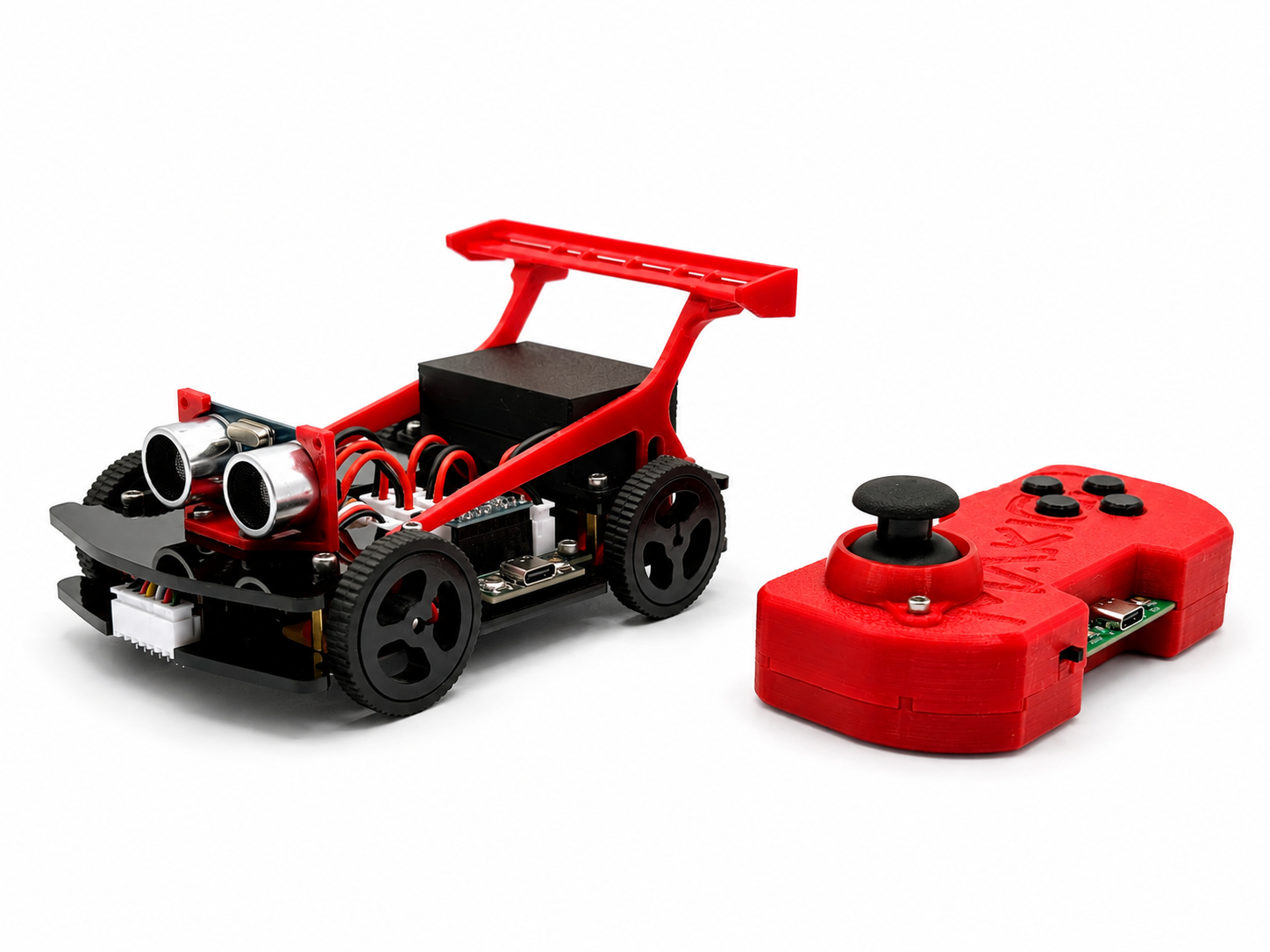
Blue
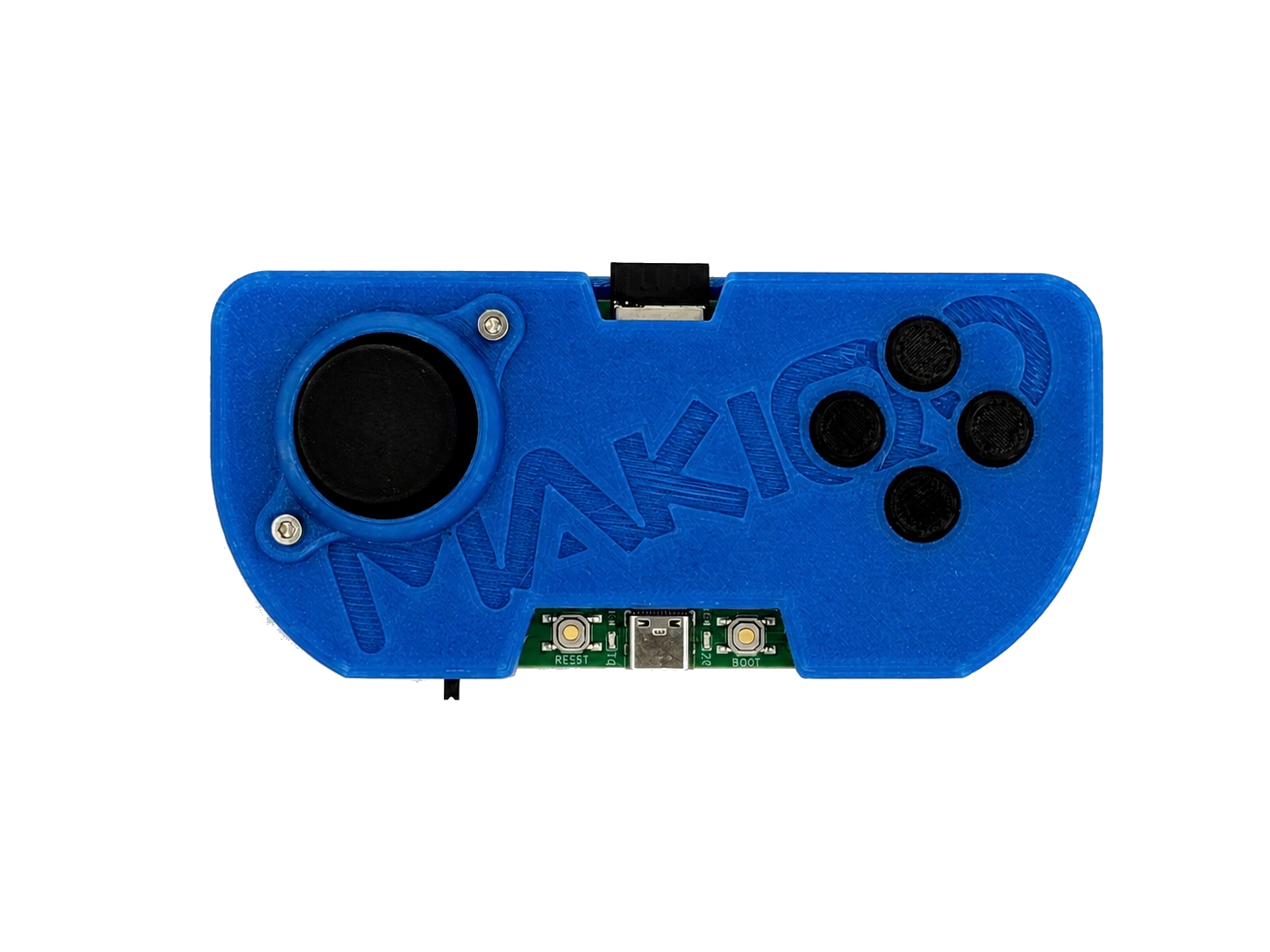
Blue Bolt + Remote Control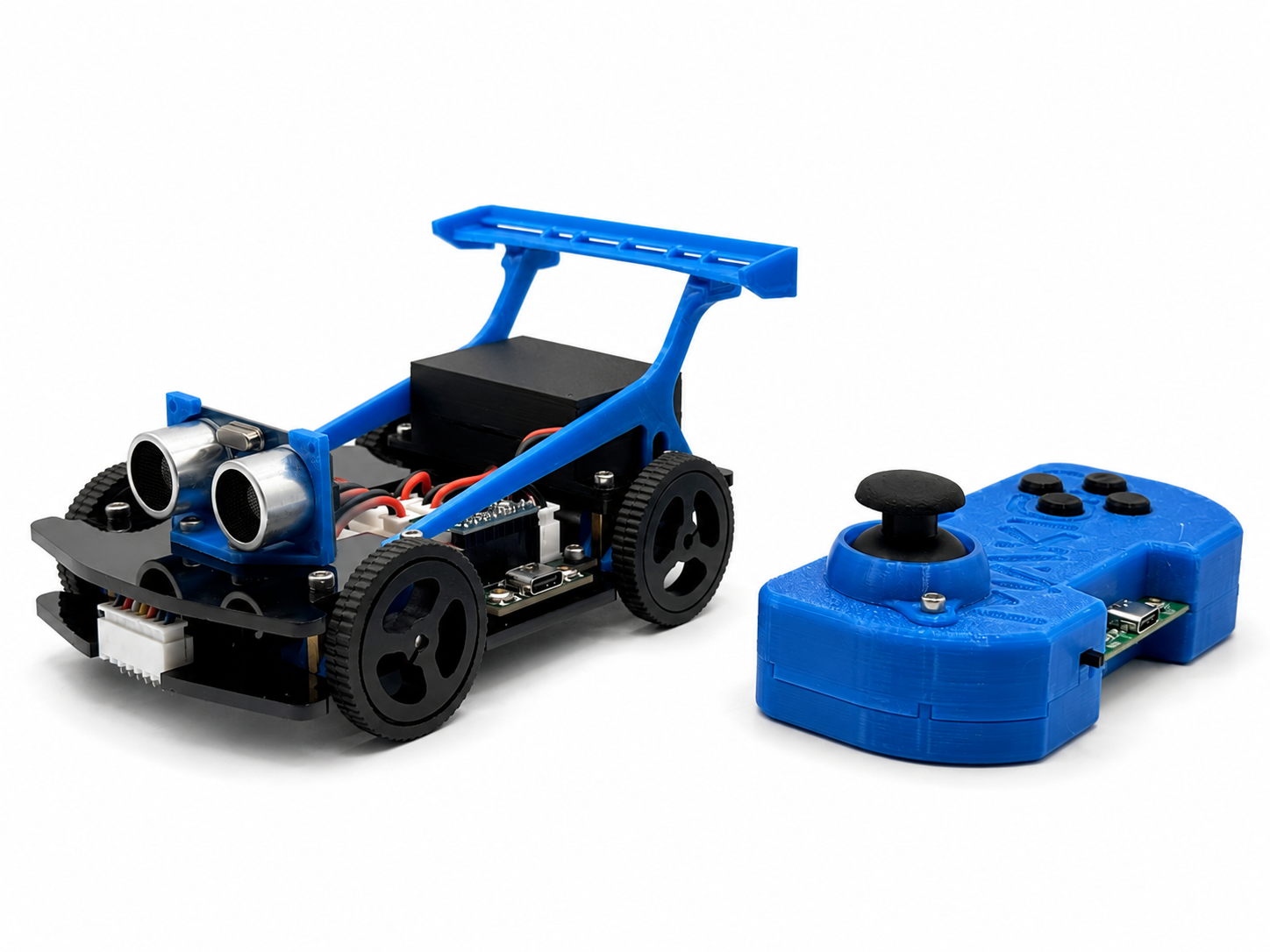
Pink
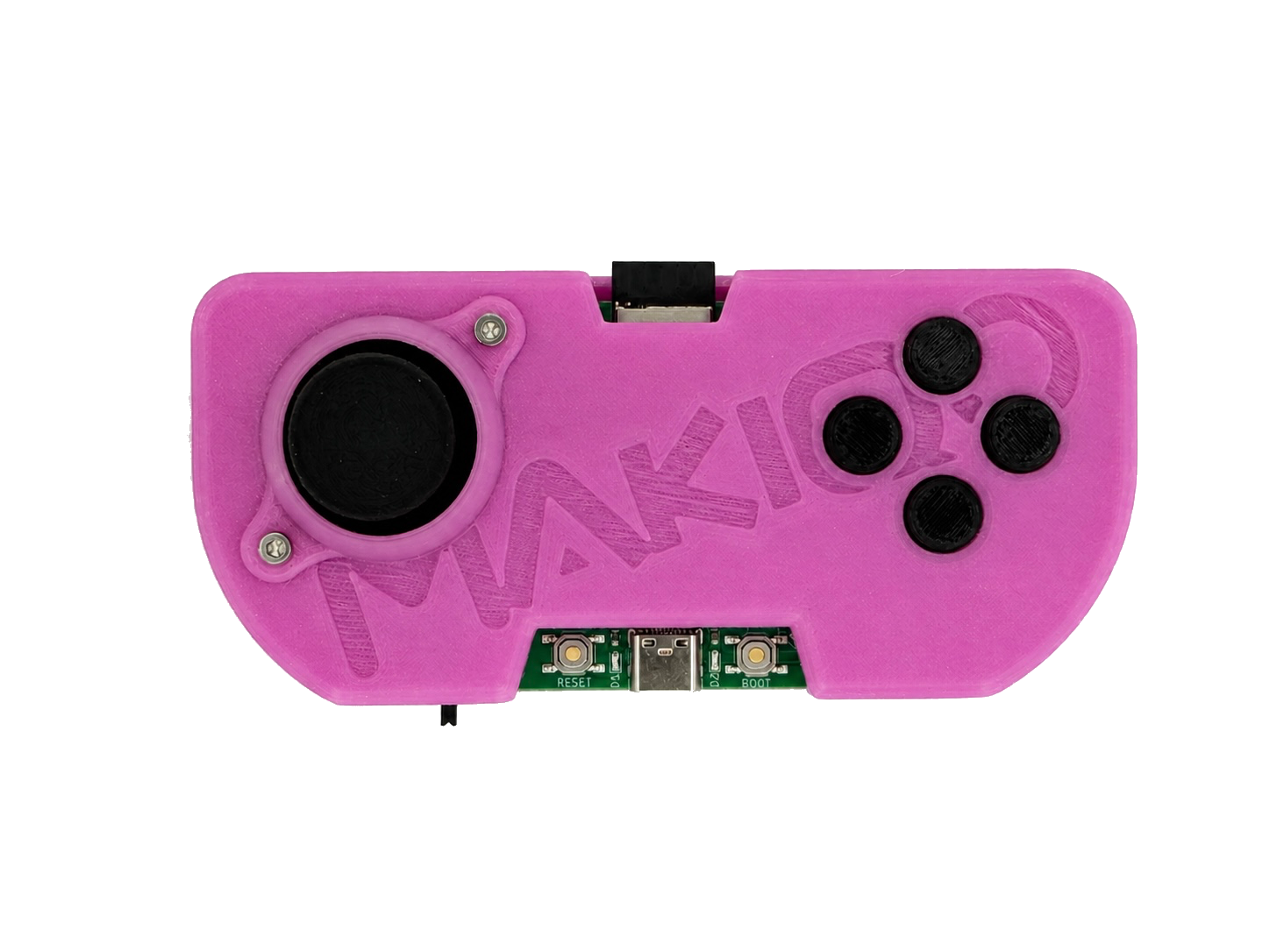
Pink Pulse + Remote Control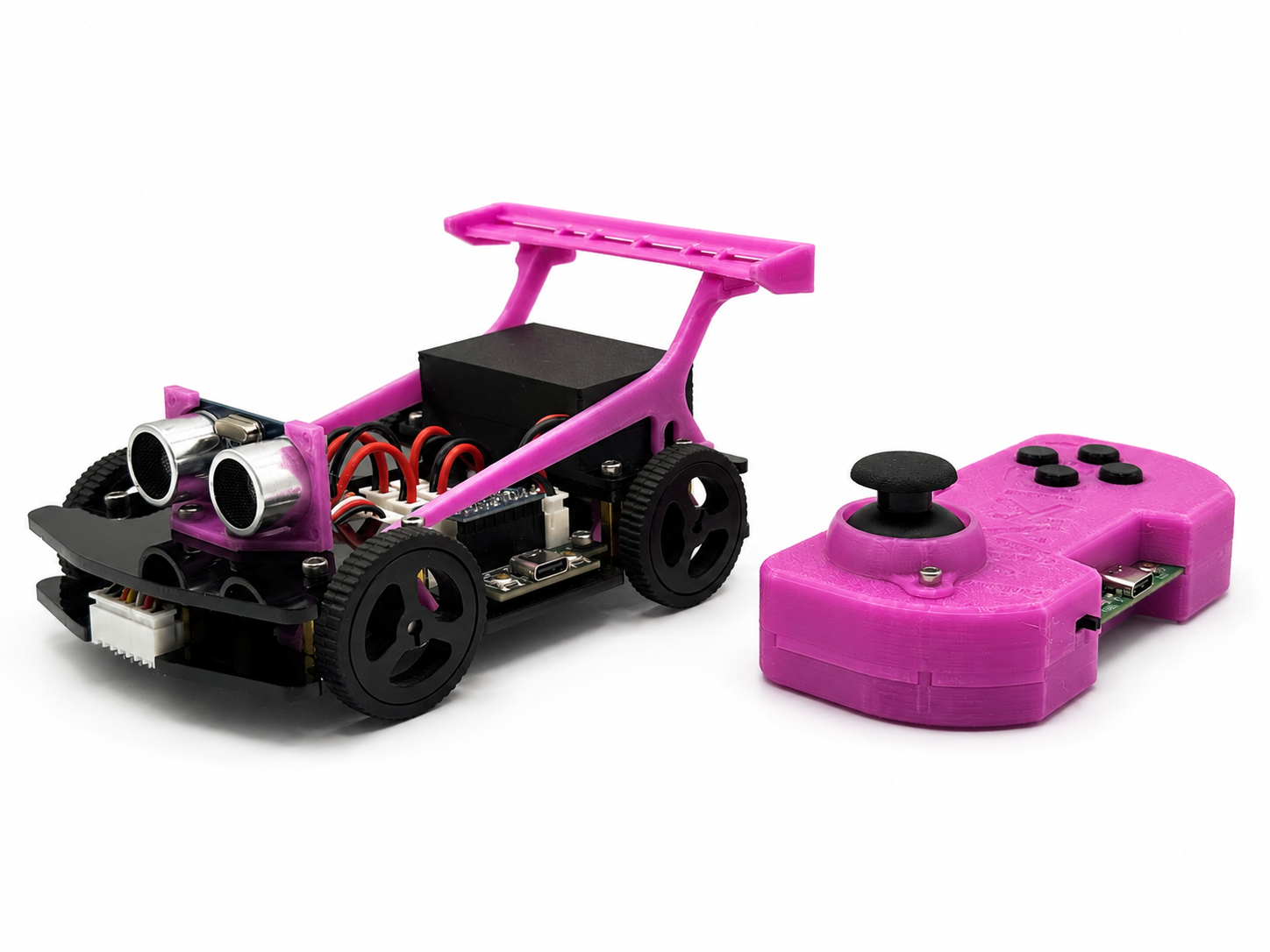
Black
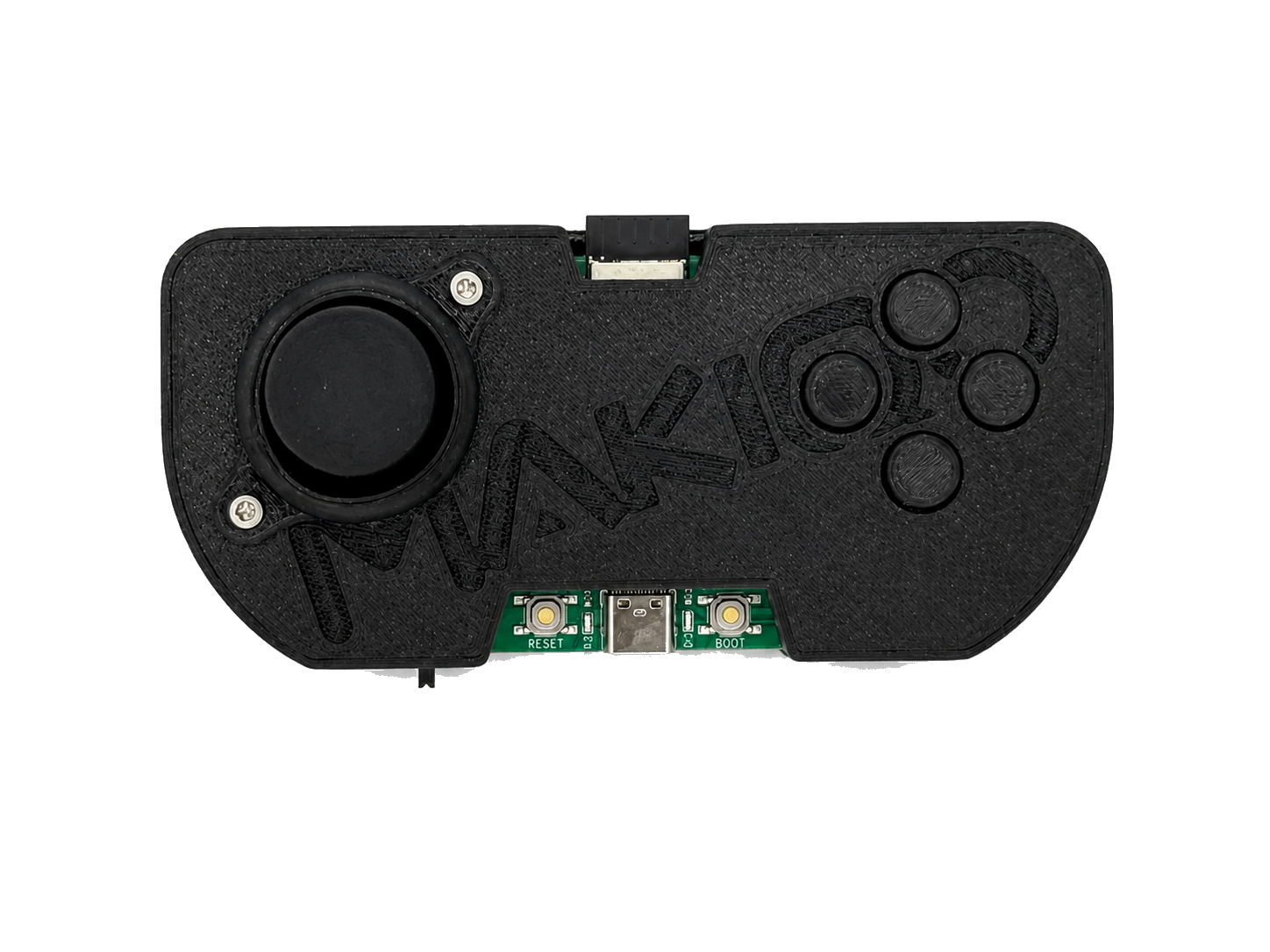
Nightshift + Remote Control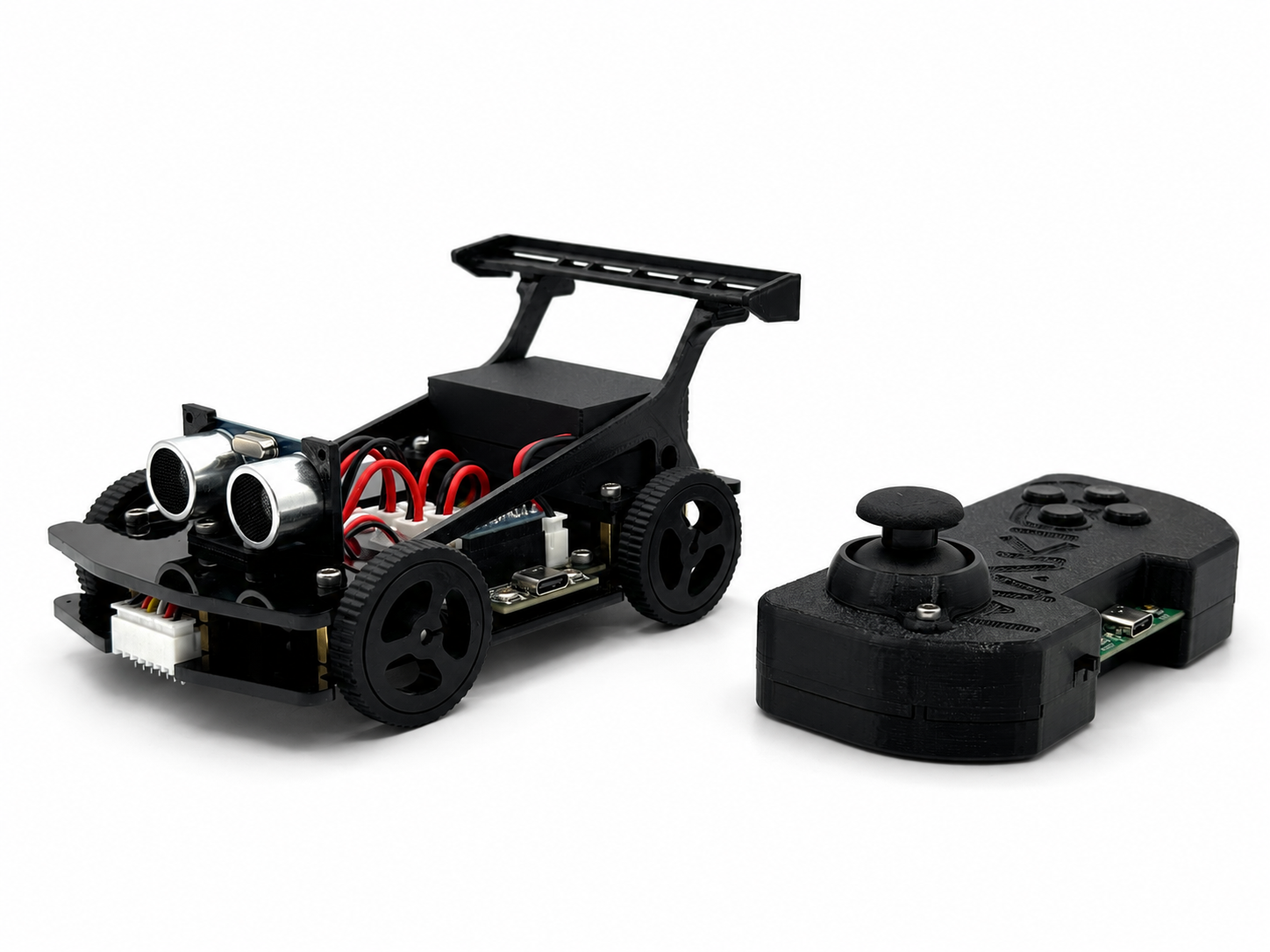
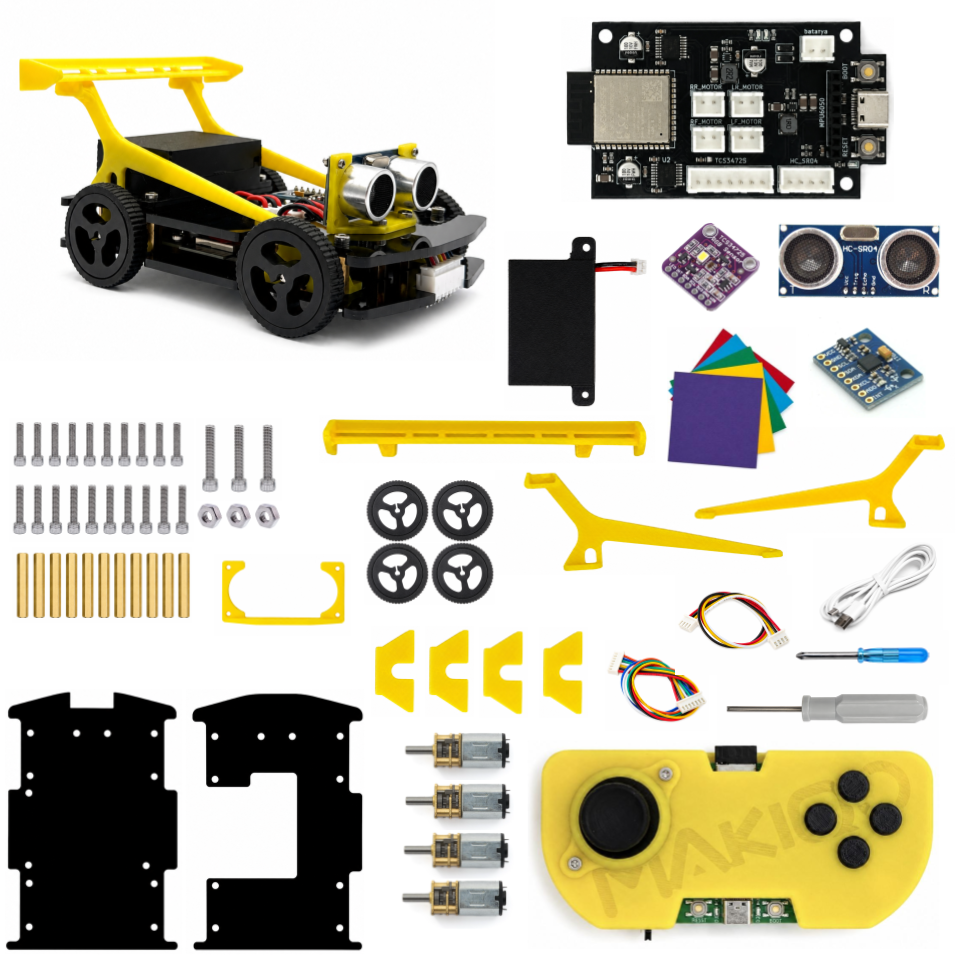
COMPLETE KIT
Everything needed to assemble, drive, and program the Robocar is included in one complete kit.
FOUR MODES
Drive the car directly, race on color checkpoints, complete missions, or create your own program.
Control the Robocar with the handheld controller or the MAKIQO app.
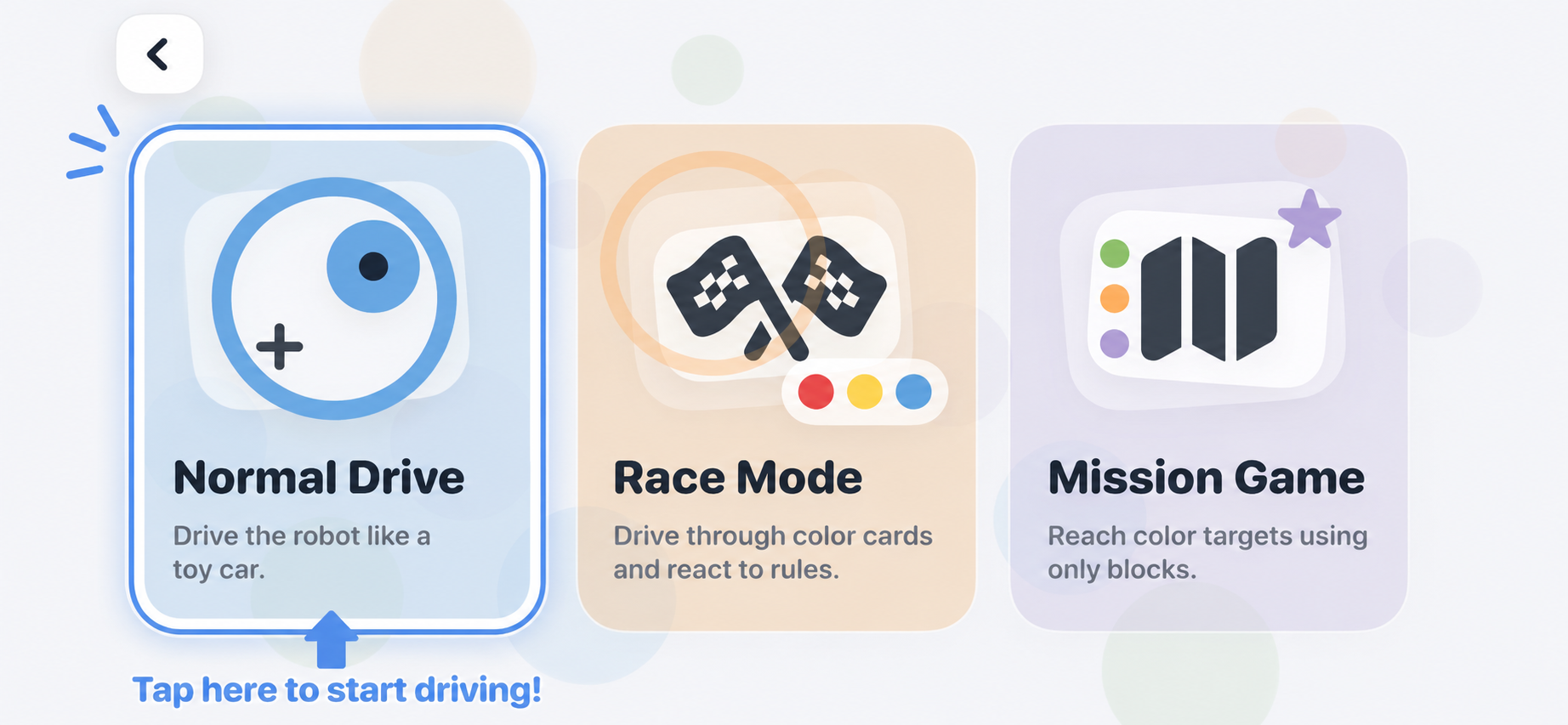
Use color checkpoints to create a race course.
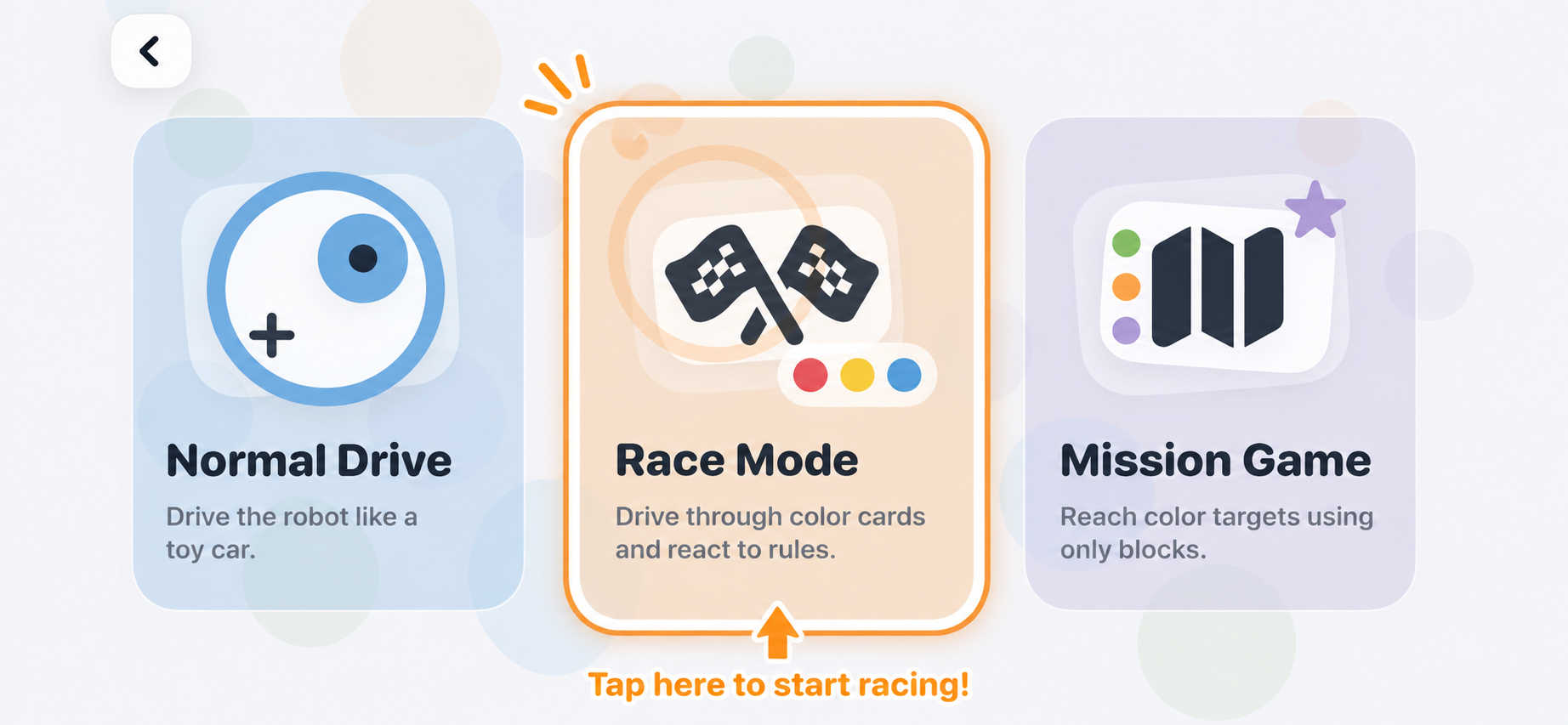
Complete 50 step-by-step driving and coding challenges.
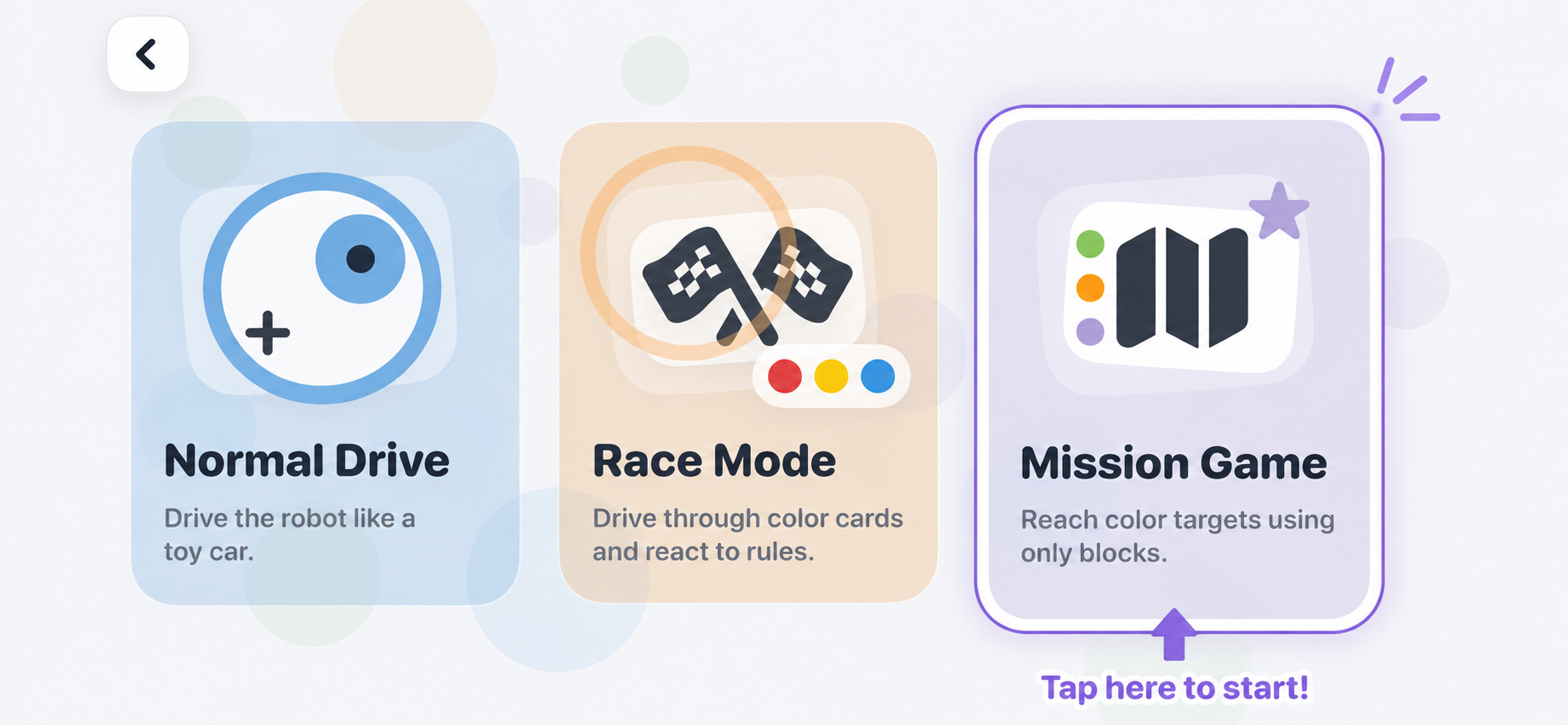
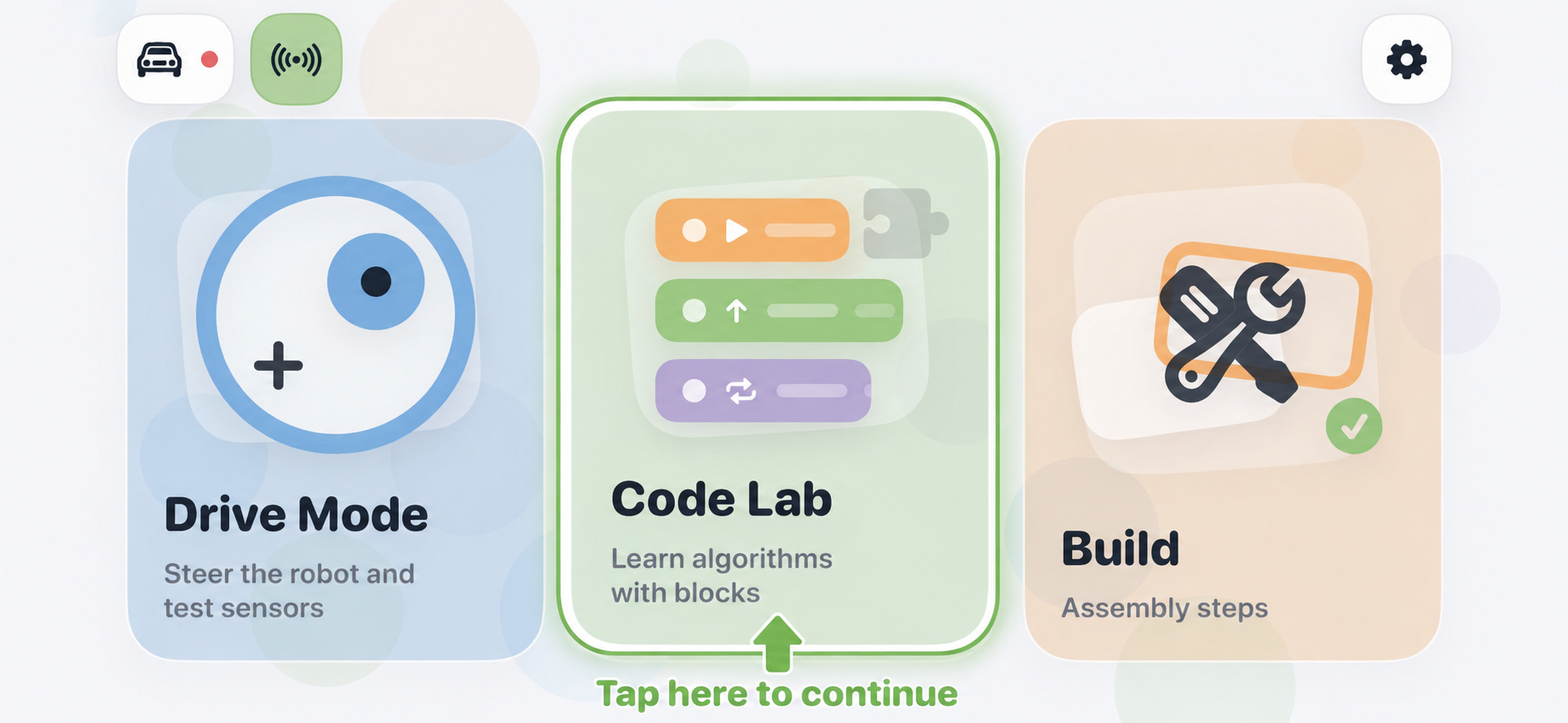
Create programs with blocks and run them on the Robocar.
CONTROL AND CODE
Start by driving the Robocar. Then use Code Lab and Academy to learn how its commands, motors, and sensors work.
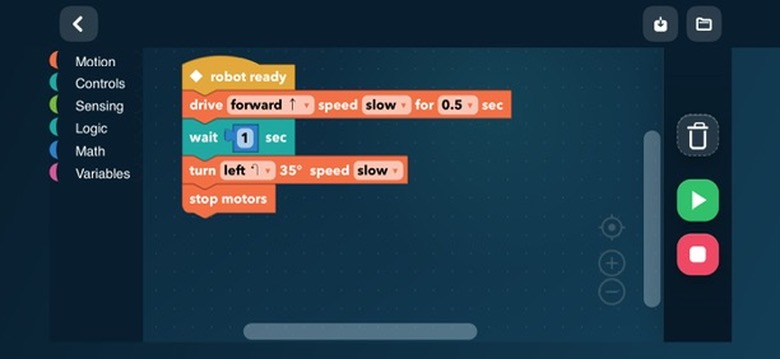
MAKIQO ACADEMY
Follow Python and Arduino lessons, edit working examples, and test them on the Robocar or controller. Original firmware can be restored after each experiment.
Enter Academy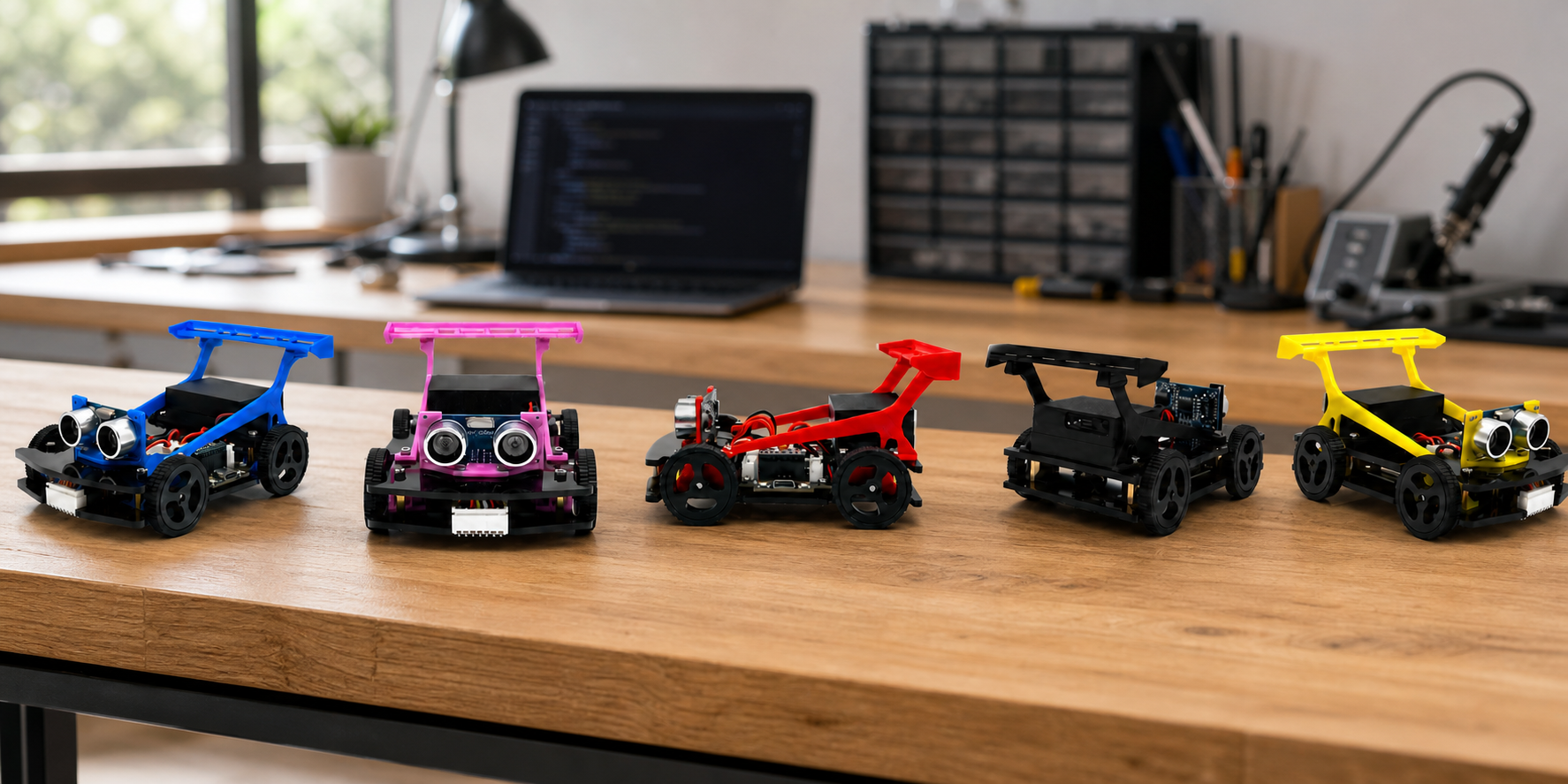
Learn how the LED, motors, distance sensor, color sensor, and motion sensor work.
Learn how the joystick, four mode buttons, and wireless commands work.
Edit each example, understand every line, and upload Arduino code to the ESP32.
MAKIQO APP
Download the free MAKIQO Robocar app for Drive, Race, Mission, and Code Lab modes.